请注意,本文编写于 907 天前,最后修改于 907 天前,其中某些信息可能已经过时。
自己的开源项目meng-admin登录环节告一段落,部署到线上时遇到了很多问题,例如前端vite开启了base以及使用browser路由模式404的问题,具体的nginx配置见下文
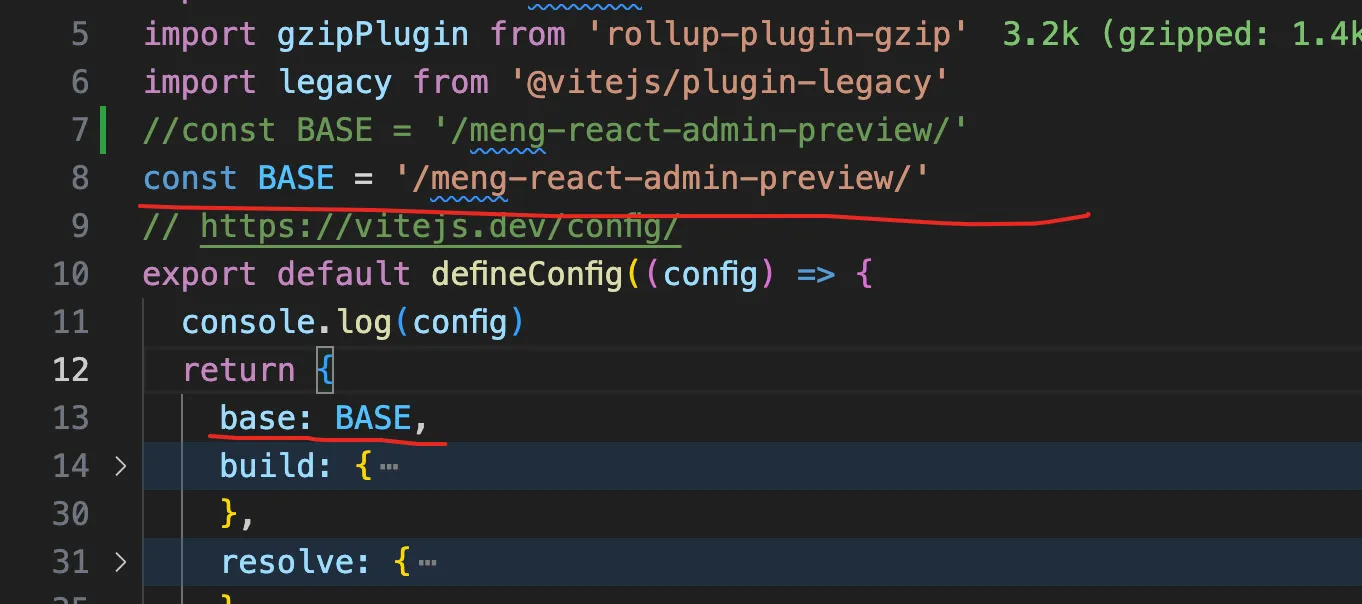 前端项目开启了base
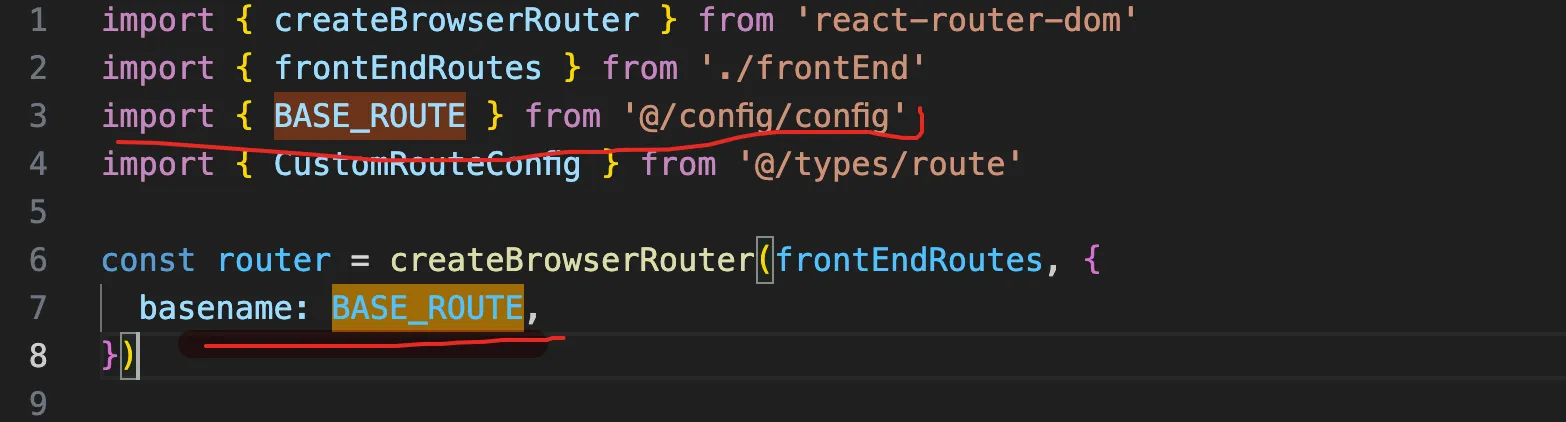
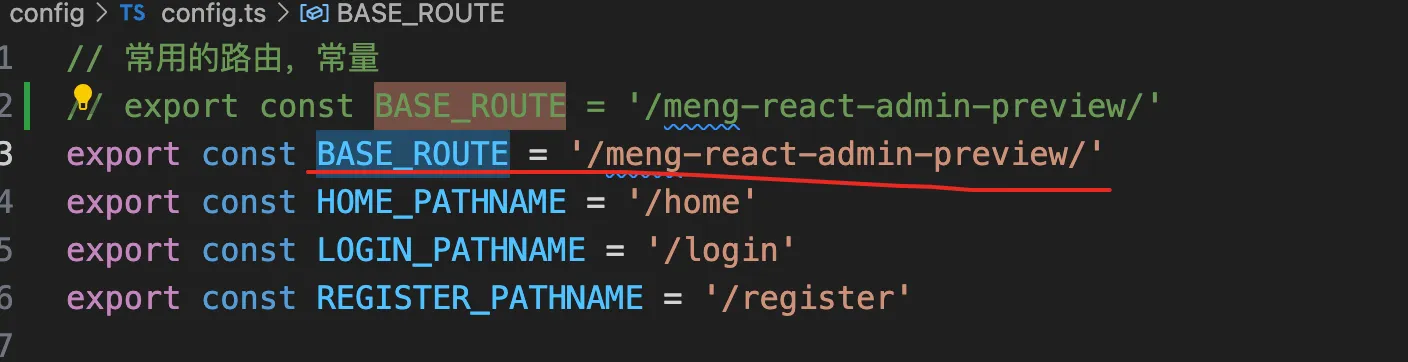
nginx配置如下
nginx.confserver {
        listen       8091;
        server_name  localhost;

        location /meng-react-admin-preview {
            alias   /usr/local/nginx/meng-admin/;
            # nginx 配置优先使用路由( try_files 和 autoindex配置),不自动指向index.html 解决在browser路由模式下刷新404的问题
            try_files $uri $uri/ /meng-react-admin-preview/index.html;
            index  index.html index.htm;
            autoindex on;
            gzip on;
        }
        location /ma/api {
            # axios接口转发
            rewrite ^/ma/(.*)$ /$1 break;
            proxy_pass http://127.0.0.1:8090;
            proxy_set_header X-Real-IP $remote_addr;
            proxy_set_header X-Forwarded-Proto $scheme;
            proxy_set_header Upgrade $http_upgrade;
        }
        error_page   500 502 503 504  /50x.html;
        location = /50x.html {
            root   html;
        }
    }
如果对你有用的话,可以打赏哦
打赏


本文作者:繁星
本文链接:
版权声明:本博客所有文章除特别声明外,均采用 BY-NC-SA 许可协议。转载请注明出处!